M3U & M3U8 playlists
Drop in a playlist URL, or paste the playlist text itself. Car TV builds a row for every category, puts the largest ones at the top, and lets you search across all of them.
Stream your M3U playlists and watch your own videos on iPhone, then bring them to the big screen in your car.

Never watch while driving. Use Car TV only when the car is safely parked, or let a passenger watch. Read the safety guide
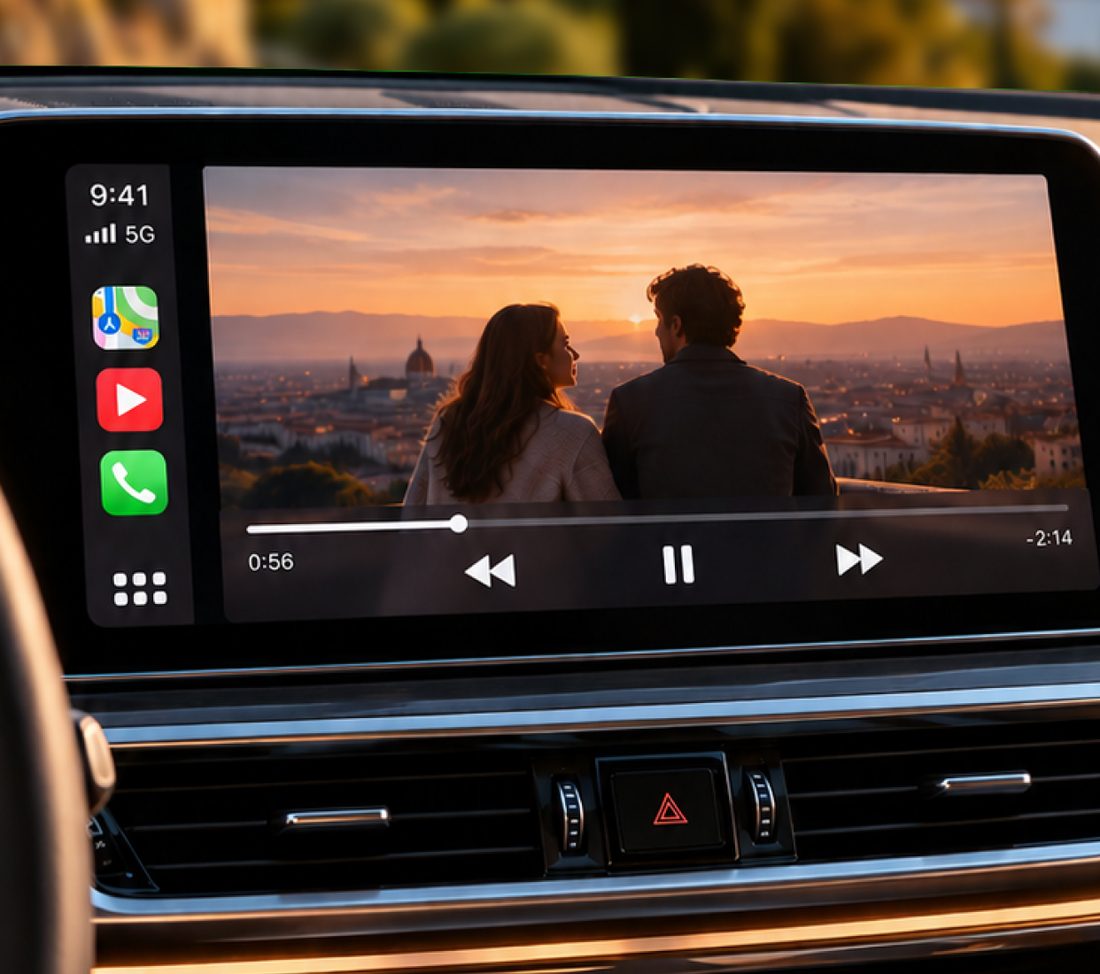
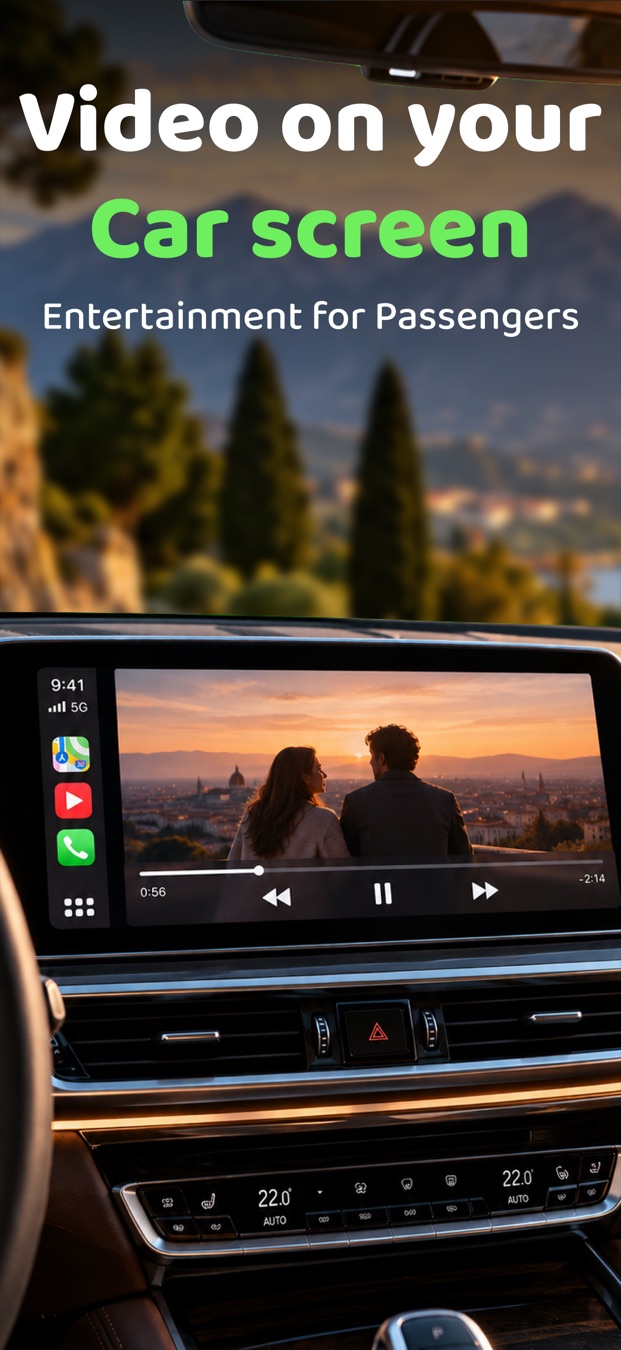
Bring your own sources and Car TV organises them, previews them and plays them on your iPhone and your car's display.
Drop in a playlist URL, or paste the playlist text itself. Car TV builds a row for every category, puts the largest ones at the top, and lets you search across all of them.
Each tile plays a small live preview, so you can see what's on before you tap.
From live HLS and MPEG-TS channels to RTSP and RTMP feeds and MKV or MP4 files.
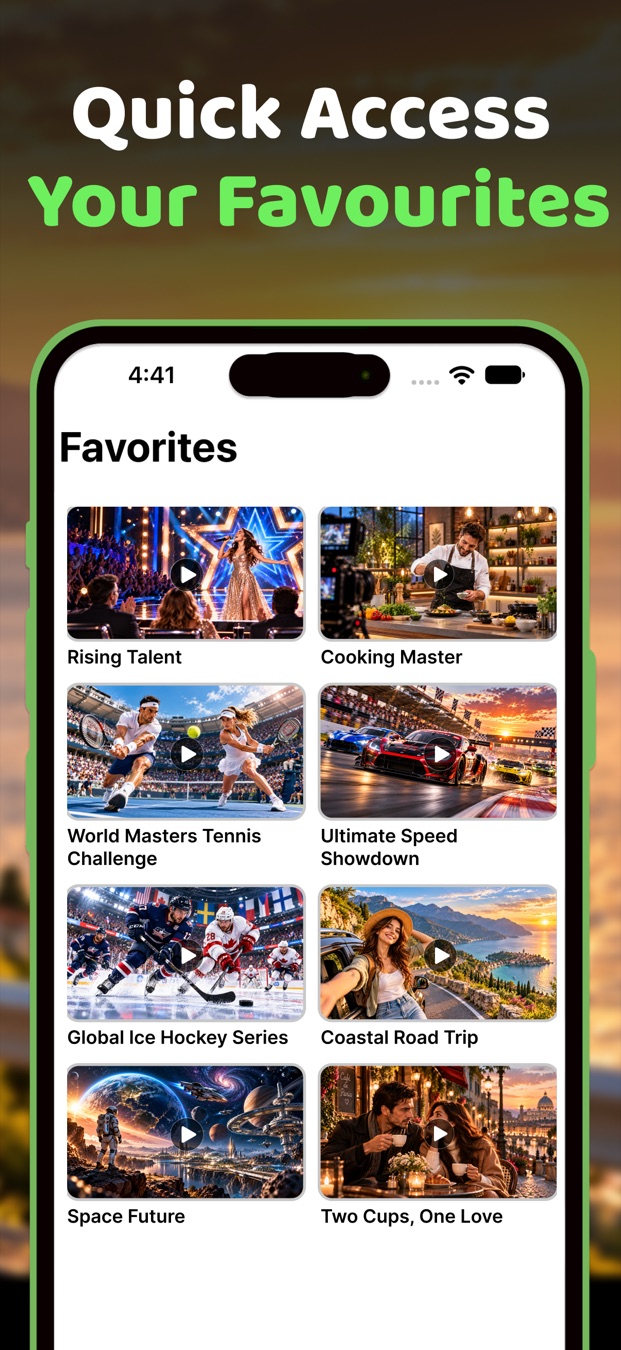
Heart a channel once and it waits for you in the Favorites tab.
Bring in movies and clips from your photo library or the Files app. They live in the Videos tab.
Open the Cast tab and tap Start Mirroring to show your whole phone screen on the car's display.
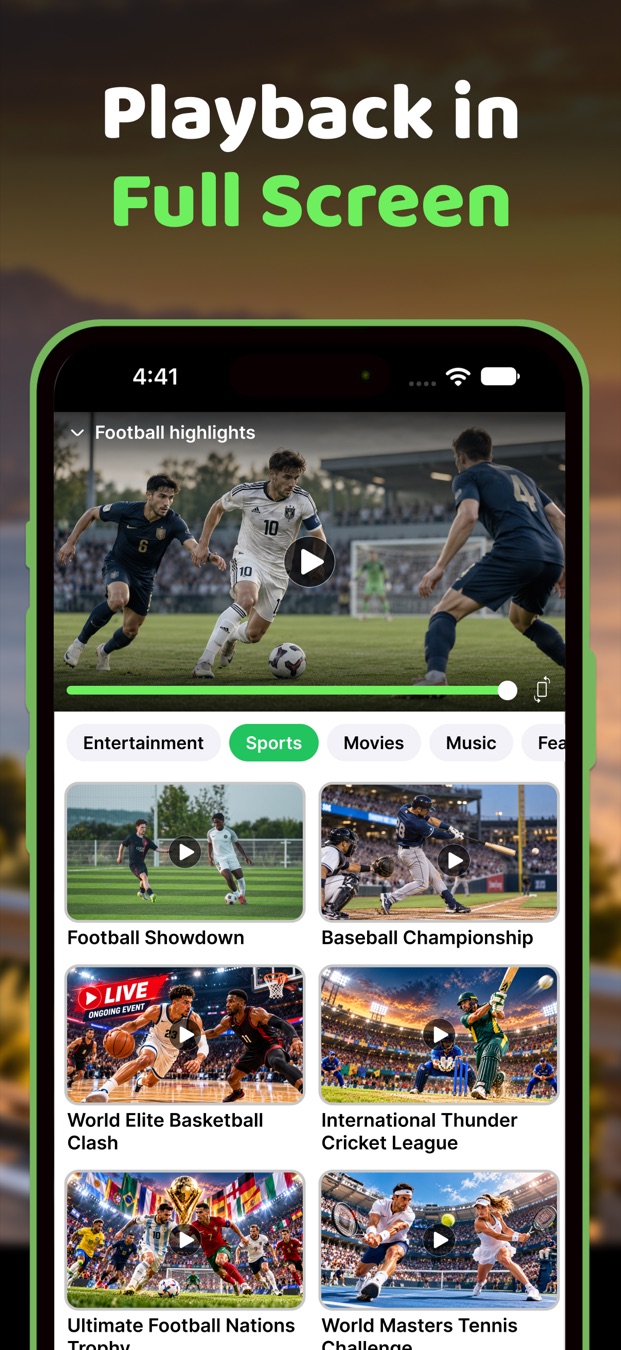
Expand a channel to fill the screen, or dock it above the tab bar and carry on picking your next one.
Open the app and start. Your playlists, favorites and imported videos are kept locally on this device.
Browse, preview and play, with every channel one or two taps away.
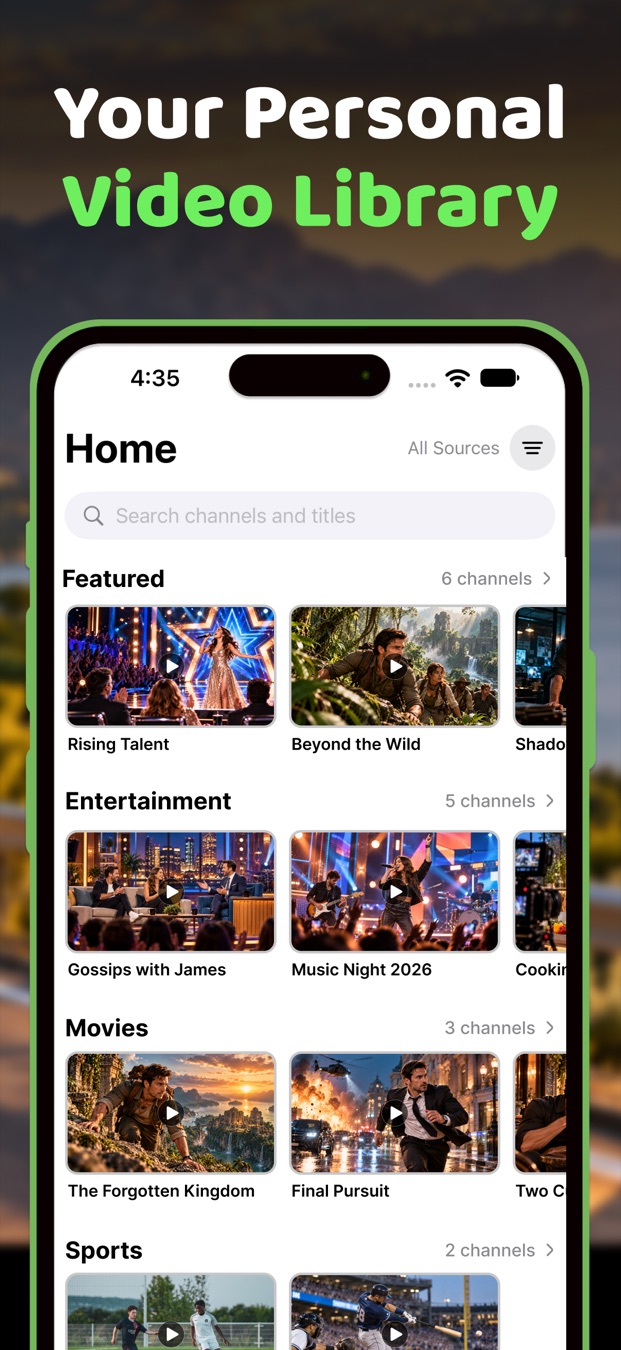
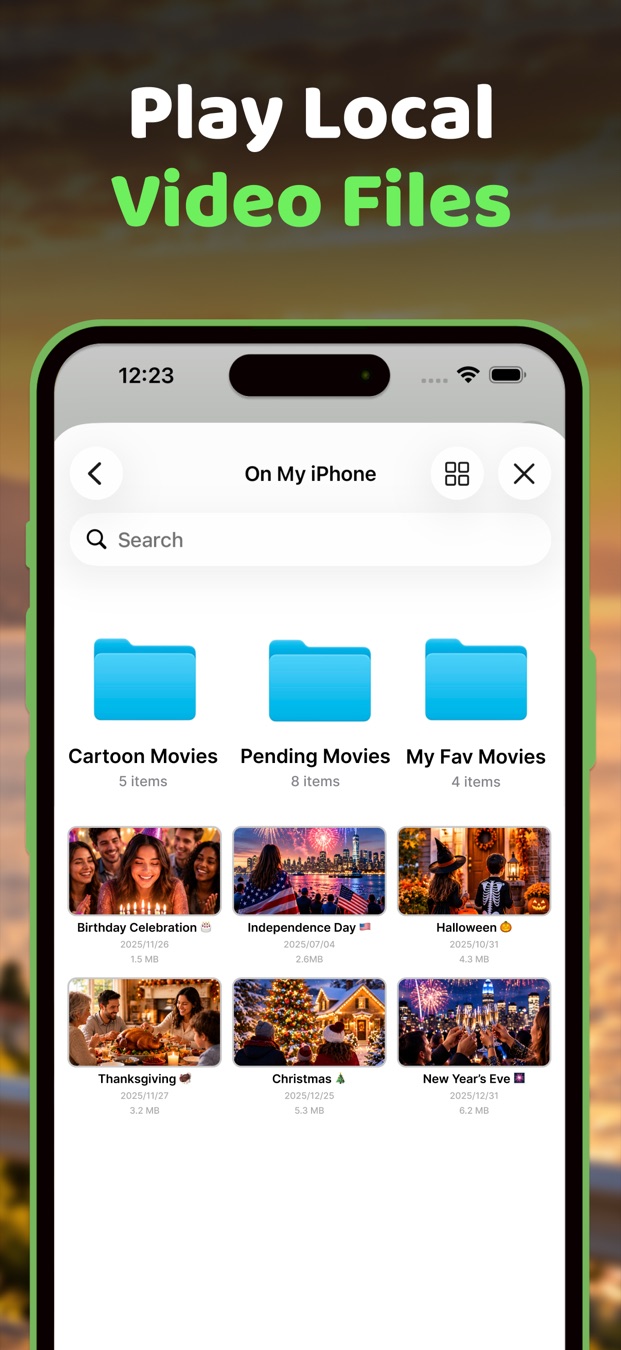
Tap Add a Source and paste your playlist, or import videos saved on your iPhone.
Pick a category, check the live previews and tap the channel you want. Tap the heart to save it.
Plug in your iPhone or pair it wirelessly, then tap the Car TV icon on the CarPlay screen.
Car TV is for parked cars and passengers. The person driving should always keep their full attention on the road.
If you're the driver, don't watch video or use Car TV while the car is moving. Not for a moment, and not at traffic lights or in slow traffic.
Stop somewhere safe and legal and put the car in Park before you start a video.
Add playlists, pick favorites and choose what to watch while you're still parked, so nobody reaches for the phone on the move.
In many places it's illegal for video to be visible to the driver while driving, even if a passenger is watching. Check the rules where you are.
Keep the volume low enough to hear sirens, horns and people outside the car.
Don't leave the engine running in a garage or other closed space. Exhaust fumes can be deadly. Watching with the engine off can also drain your car battery.
You are responsible for using Car TV safely and legally. Traffic laws come first, always.
The school run that runs late, a delayed flight you're collecting someone from, a long lunch break in the car park. Car TV gives that dead time a screen.
Car TV doesn't include any channels or videos of its own. Everything you watch comes from a playlist you add or a video you import. Please only add content you're allowed to watch.
Standard M3U and M3U8 playlists. You can paste the web address of the playlist, which normally ends in .m3u or .m3u8, or paste the playlist text itself. Start from Add a Source on the Home screen.
http:// or https://.If your car or aftermarket stereo supports Apple CarPlay, wired or wireless, and your iPhone runs iOS 18 or later, you're set. Once CarPlay connects, Car TV appears on the car's screen next to your other apps.
Video is meant for a parked car, or for passengers. Whoever is driving should never watch, and you should follow the traffic laws where you live.
Open the Cast tab and tap Start Mirroring, then Start Broadcast. After that, everything on your iPhone appears on the car's display until you stop mirroring.
Into the Videos tab. Car TV makes its own copy, so they play without an internet connection.
Very likely. Car TV handles HLS (M3U8), MPEG-TS, RTSP and RTMP streams, plus MP4, MOV, MKV and other common video files.
No. There's nothing to sign up for. Your sources, favorites and settings are kept on your iPhone.
Questions, bug reports or feature ideas? We read every message and reply as soon as we can.
app.feedback.vm@gmail.com
Download Car TV for free and start watching the next time you park.